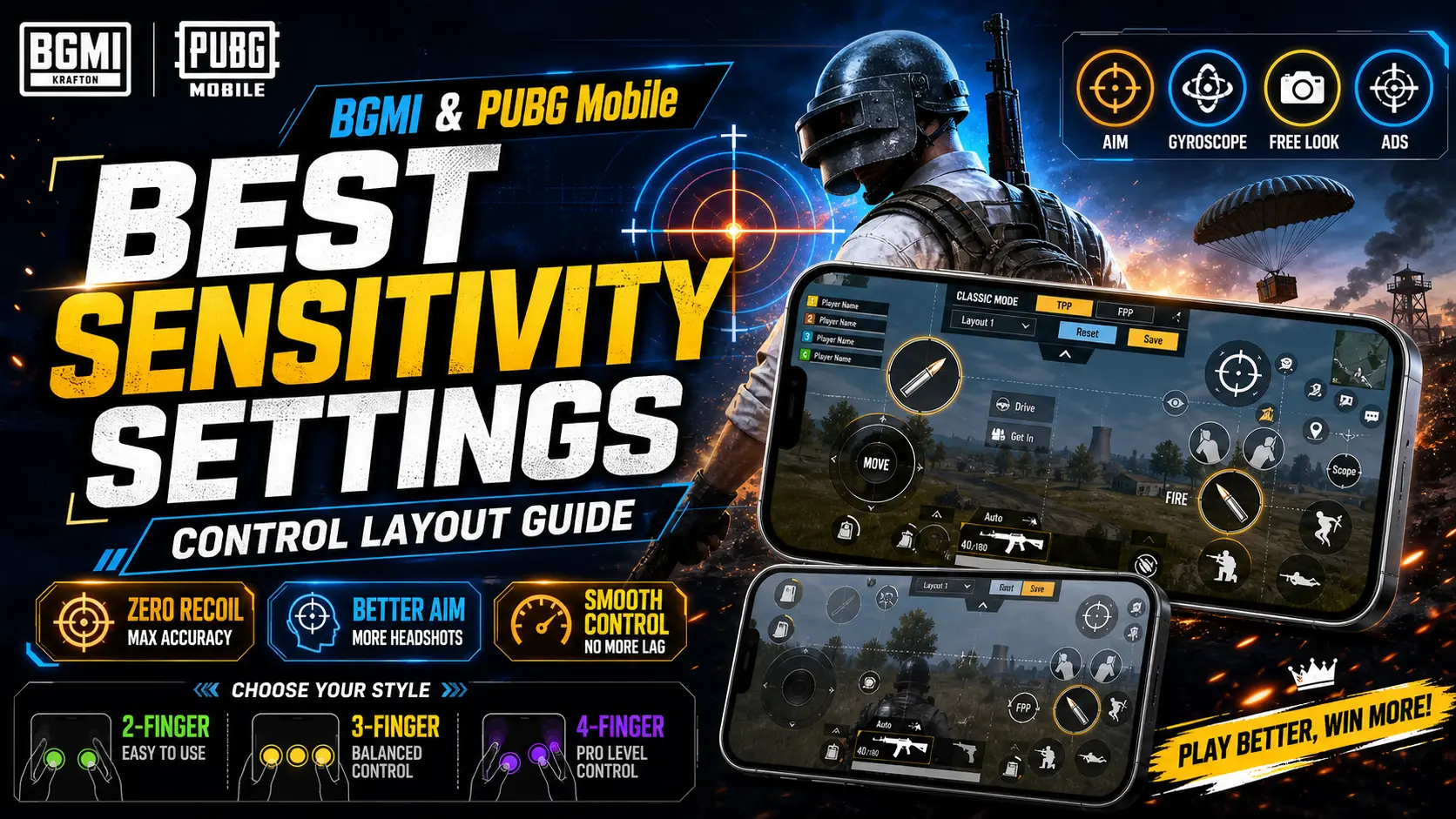
Introduction
One of the easiest ways to improve your aim and recoil control in BGMI or PUBG Mobile is to fine‑tune your sensitivity settings and optimise your on‑screen controls. Because every device and play style is different, there is no single “perfect” setup. However, understanding how each sensitivity category works – and where to start – will help you craft a configuration that feels comfortable and responsive.
This guide explains the five main sensitivity categories, offers recommended starting values for popular scopes, and walks you through how to change your settings. We also highlight why experimenting with control layouts (like two‑, three‑ and four‑finger setups) can give you an edge in battle.
Sensitivity Categories Explained
BGMI and PUBG Mobile divide sensitivity into five categories: Camera (Free‑look), Camera sensitivity, ADS (Aim‑Down‑Sight) sensitivity, Gyroscope, and ADS Gyroscope. The camera free‑look sensitivity controls how fast the view moves when you swipe to look around without firing. Camera sensitivity governs how quickly your view turns when you are not aiming down sights. ADS sensitivity determines how fast your aim moves while using scopes or irons sights. Gyroscope and ADS Gyroscope sensitivities adjust how much the screen moves when you tilt your device. The gyroscope is especially useful for precise recoil control.
Recommended starting values from experienced players are: 120–150 % for Third‑Person (TPP) and First‑Person (FPP) camera sensitivities; 90–120 % for red‑dot and holographic sights; 20–30 % for 4× scopes; and 10–20 % for 8× scopes. These values are not definitive – use them as a base and adjust until the aim speed feels natural on your device. If you use the gyroscope, start at 250–300 % for red‑dot sights and lower values (around 90–120 %) for 6× or 8× scopes and fine‑tune to control recoil comfortably.
How to Change Sensitivity Settings
Changing sensitivity settings is straightforward:
- Open Settings > Sensitivity within BGMI or PUBG Mobile.
- Select Camera, ADS, Gyroscope or ADS Gyroscope to see sliders for each optic/scope.
- Tap the slider and drag to increase or decrease the sensitivity value.
- Test the new values in the training grounds or an unranked match; fine‑tune until the aim speed and recoil control feel comfortable.
Players can save multiple sensitivity presets for different devices or play styles. If you switch from a two‑finger setup to a four‑finger “claw” layout, for example, you may need to lower camera sensitivity because you have separate fingers for movement and aiming.
Control Layout Tips
Beyond sensitivity values, how you position your on‑screen buttons can make a huge difference. Many pros use three‑finger or four‑finger layouts, which move the firing and aiming buttons to different areas of the screen so that you can shoot and control recoil simultaneously. Start by duplicating the fire button and moving one copy near your index finger; gradually add more buttons (for crouch or jump) as you become comfortable. Remember to adjust button sizes and transparency so they do not block your view.
Conclusion
Fine‑tuning sensitivity is a personal process, but understanding the five sensitivity categories and starting with recommended ranges will set you on the right path. Test your settings in training grounds, adjust gradually, and don’t be afraid to experiment with new control layouts. With practice, a balanced sensitivity setup will improve your recoil control, tracking, and overall performance in BGMI and PUBG Mobile.