Introduction
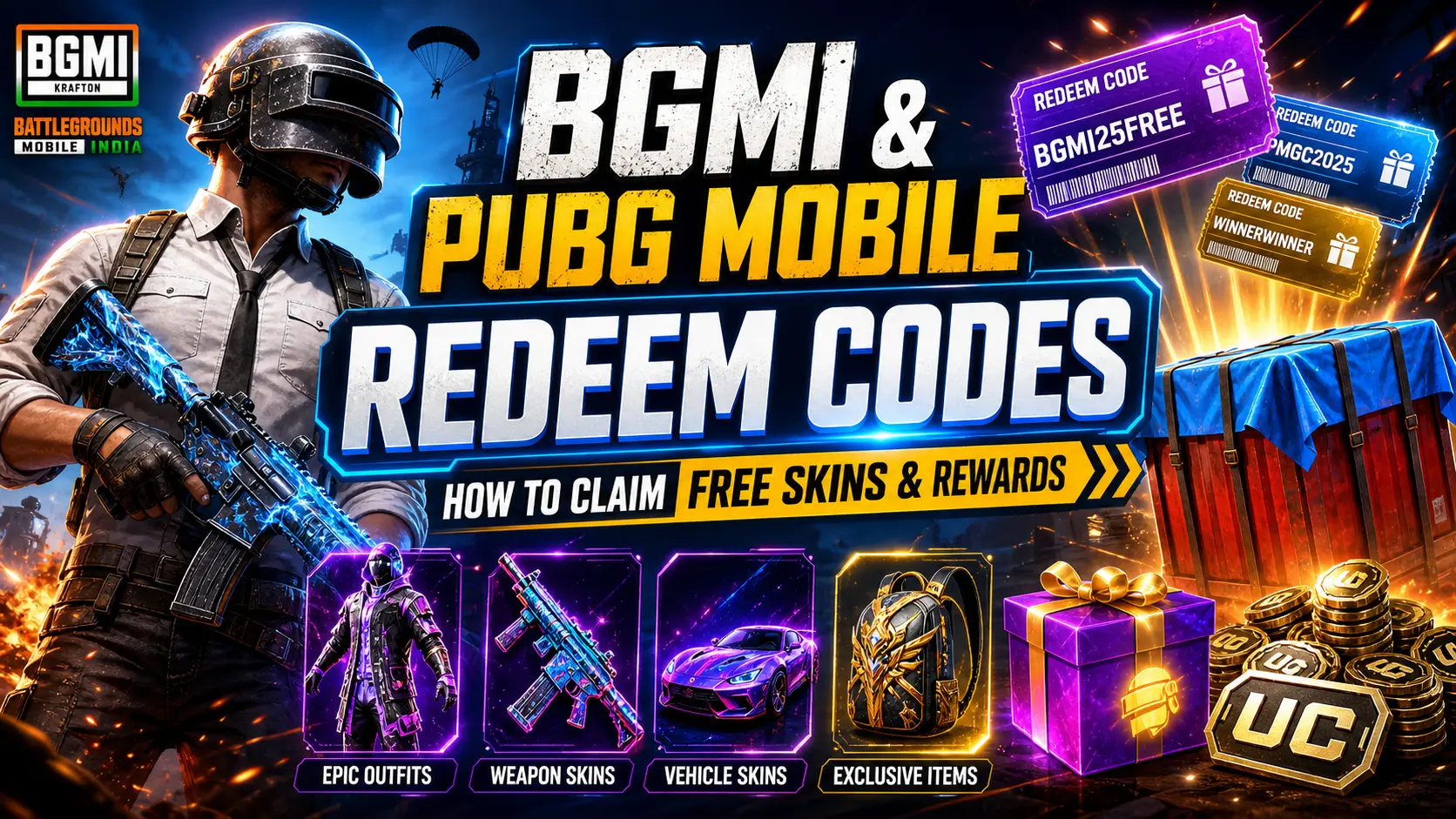
Krafton and Tencent frequently release alphanumeric redeem codes that grant free outfits, weapon skins, UC (Unknown Cash) and other in‑game rewards. These codes are limited by time, region and usage, so acting quickly is essential. This guide explains what redeem codes are, how to redeem them on the official site and offers tips to ensure you receive your rewards without errors.
What Are Redeem Codes?
Redeem codes are special strings of characters provided by the developers to celebrate events, collaborations or milestones. When you apply a valid code to your account, the game sends the associated reward via in‑game mail. According to BlueStacks, redeem codes grant items such as exclusive outfits, weapon skins and UC, and can only be used by players once.
How to Redeem Codes
Redeeming a code is quick and secure if you follow the official steps:
- Visit the official BGMI/PUBG Mobile redemption website.
- Enter your Character ID (CID), the redemption code and the verification code shown on the page.
- Click Redeem to submit the request.
- Open BGMI/PUBG Mobile and go to Mail. The reward will arrive in the System section if the code is valid.
BlueStacks emphasises that codes are case‑sensitive and may expire quickly; enter them exactly as shown.
Tips & Warnings
- Check for expiration: Redeem codes often expire after a few days or even hours. Use them as soon as you find them.
- One‑time use: Each code can be redeemed once per account.
- Region restrictions: Some codes only work in specific regions or game versions; ensure the code is meant for BGMI or your server.
- Avoid unofficial websites: Only redeem codes through the official redemption site to protect your account.
Conclusion
Redeem codes are an easy way to collect free cosmetics and UC in BGMI and PUBG Mobile. Keep an eye on official announcements and trusted gaming news sites for fresh codes, act quickly before they expire and always redeem through the official website. Happy looting!