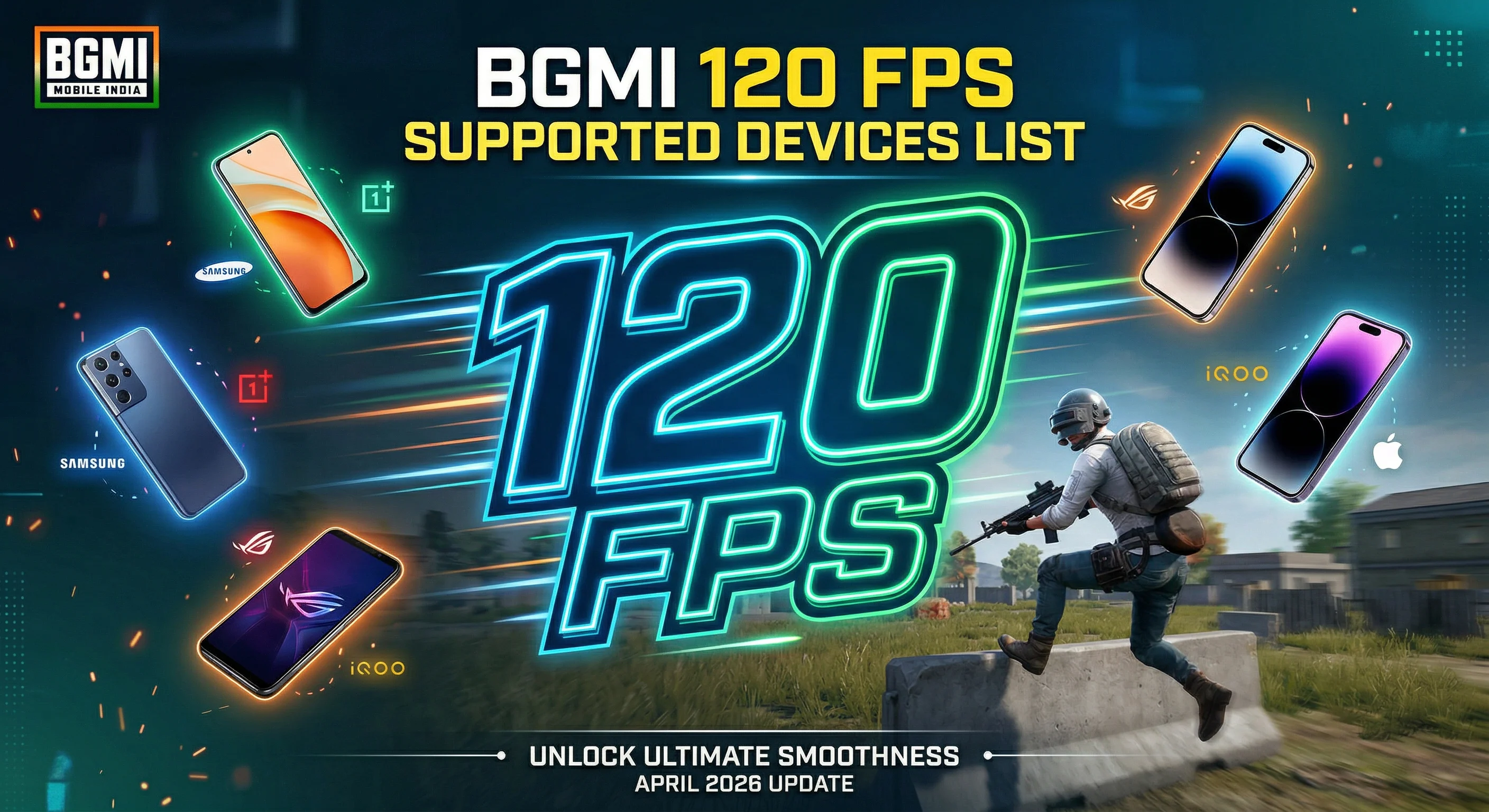
Krafton has taken Battlegrounds Mobile India (BGMI) to the next level with a highly anticipated update: 120 FPS (Frames Per Second) support! This feature is an absolute game-changer for players looking for a competitive edge and a buttery-smooth gameplay experience.
However, not every smartphone can handle the 120 FPS mode. It requires a high-end processor and a 120Hz display refresh rate to function properly. Below is the complete list of confirmed supported devices as of April 2026.
📱 BGMI 120 FPS Supported Devices: Full List
Here is the brand-wise breakdown of smartphones and tablets that currently support 120 FPS in BGMI:
1. Samsung
Several premium and flagship models from Samsung are fully optimized for the new frame rate.
- Samsung Galaxy S24 Series (S24 Ultra, S24+, S24)
- Samsung Galaxy S23 Series (S23 Ultra, S23+, S23)
- Samsung Galaxy Z Fold 5 & Z Fold 6
- Samsung Galaxy S22 Ultra (in select regions)
2. OnePlus
Known for their gaming performance, top-tier OnePlus devices are ready for the upgrade.
- OnePlus 12 & OnePlus 12R
- OnePlus 11 & OnePlus 11R
- OnePlus Open (Foldable)
- OnePlus Nord 4 (under specific conditions)
3. ASUS ROG
Pure gaming smartphones built specifically for maximum optimization.
- ASUS ROG Phone 8 Pro & ROG Phone 8
- ASUS ROG Phone 7 Ultimate & ROG Phone 7
4. iQOO
iQOO’s performance-heavy flagships easily make the cut.
- iQOO 12 & iQOO 12 Pro
- iQOO Neo 9 Pro
- iQOO 11
5. Apple (iPad & iPhones)
Apple's robust hardware ensures seamless 120 FPS gameplay on select models.
- iPhone 15 Pro & iPhone 15 Pro Max
- iPhone 14 Pro Max (limited support)
- iPad Pro 11-inch (M2 & M1 Models)
- iPad Pro 12.9-inch (M2 & M1 Models)
6. Google & Others
- Google Pixel 8 Pro
- Google Pixel 7 Pro
- Nothing Phone (2) (Following specific optimization updates)
⚙️ How to Enable 120 FPS in BGMI?
If you own a supported device, follow these quick steps to unlock the 120 FPS mode:
- Open the Game: Launch BGMI and go to the main lobby.
- Open Settings: Tap on the gear icon located in the bottom right corner.
- Go to Graphics & Audio: Select this tab from the right-side menu.
- Select the Frame Rate: Set your Graphics quality to 'Smooth'. Then, in the 'Frame Rate' section, look for the new 'Ultra Extreme' or '120 FPS' option and select it.
- Save and Apply: Save the settings and restart your game for the best experience.
✅ What Do You Need for 120 FPS?
- Powerful Processor: Your device needs a flagship-level chipset, such as the Qualcomm Snapdragon 8 Gen 2/Gen 3, MediaTek Dimensity 9200+/9300, or the Apple A17 Pro.
- 120Hz Display: The physical screen of your phone must support a 120Hz refresh rate. Standard 60Hz or 90Hz panels cannot display 120 frames per second.
- Developer Optimization: Hardware alone isn't enough. Krafton must manually optimize the game for specific phone models to ensure the 120 FPS mode runs without crashing.
⚠️ Important Note: The Drawbacks of 120 FPS
While the gameplay becomes incredibly fluid, running the game at maximum frame rates comes with a few trade-offs:
- Severe Battery Drain: The game will consume significantly more power, requiring more frequent charging.
- Device Heating: Your phone's processor will work overtime, which can lead to rapid heating, especially on devices without dedicated cooling systems.